
Eight of our own products can now be watched working before anyone installs them, and their customer dashboard runs a 23-step tour of itself. This is how we built both for JSKAPPS, our own product line, and what went wrong on the way.
Most of what we build for JSKAPPS does not live on a web page. The products are browser extensions, an add-in for Google Sheets and Excel, TradingView scripts and a Windows desktop app. That makes them hard to show. A visitor reading a product page cannot click around inside an extension they have not installed, and screenshots and videos only go so far.
Signing up has the same problem one step later. The JSKAPPS customer dashboard holds API keys, credits, usage, purchases, invoices and subscriptions. It is a lot to take in on a first visit.
So we set ourselves two goals:
- Anyone should be able to watch a product work, right on its page, with nothing to install.
- A new customer should be able to press one button and have the dashboard explain itself.
Why not a video, or a demo platform
The usual advice for showing software is a product video, or a tool that records your web app and turns the recording into a clickable tour. Both assume the thing you are showing is a web page you can record. Ours mostly are not: an extension’s popup, a sidebar inside Google Sheets, a desktop window.
And a recording is a snapshot. The day the product changes, the video is wrong, and nobody notices until a customer does. So we built both ourselves rather than signing up for an interactive-demo platform. Here is how, and what we learned.
Part 1: Interactive product demos
Two kinds of demo, one set of rules
The products fall into two groups, so we built two kinds of demo.
HTML replicas. When a product’s interface is already built from HTML, like an extension’s popup or a Google Sheets sidebar, we rebuild it as a working, clickable copy. It looks and behaves like the real thing, and when the product changes we edit the demo instead of re-capturing screenshots.
Screenshot storyboards. Some products run inside software we cannot drive from a web page, like a desktop app. For those, a small player replays captured screens with a moving cursor, a highlight and a caption.
What makes them interchangeable is a shared contract. Every demo is built to the same rules:
- It is one self-contained HTML file, shown in a responsive frame on the product page.
- It waits for the visitor to press Play, and shows the product’s own image until then.
- Captions stay on at all times, and the spoken narration can be muted.
- It works from the keyboard and respects reduced-motion settings.
- It opens fullscreen or in a full page.
- It ends on a clear next step, such as the store or marketplace listing.
- It sends four simple events (started, step viewed, finished, next step clicked) so we can see where viewers lose interest.
- It stays out of search results, so the product page is the one that ranks.
Because the rules are fixed, each product’s developer could build their demo independently. Adding a finished demo to the site takes one file and one setting.
Eight products have one today: JSK Shield, JSK PixHaul, JSK Photo Studio, JSK ClipKeep, JSK Multi URL Opener, JSK SoundShape, JSK Inkstone and JSK TradeProof. TradeProof’s is a copy of the Google Sheets window with the add-on’s sidebar open, and it walks from a raw trade export to a finished report in 20 steps.
Part 2: A dashboard that demonstrates itself
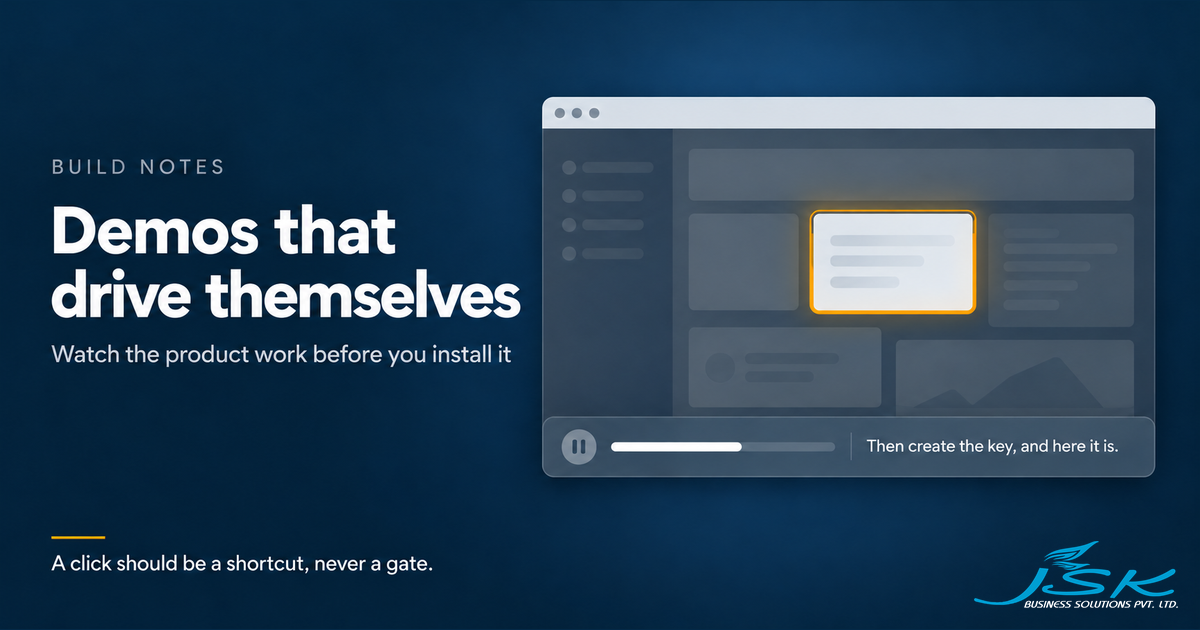
Signed-in JSKAPPS customers see a Demonstrate the dashboard button on their overview. Press it and the dashboard runs itself. It moves from page to page, dims everything except the part it is talking about, says a sentence about it out loud, and moves on. Along the way it types a name into the API key form and creates a key, so you see the whole flow rather than a description of it. You can pause, skip or leave at any point. The full tour is 23 steps.
For other builders, here is how the pieces fit.
A script. The tour is an ordered list of steps. Each one names a page, the element to highlight, a title, the sentence to say, and an optional action. This is the step that creates the key, as it ships:
{
  id: "apikeys-create",
  path: "/dashboard/api-keys",
  target: '[data-tour="apikeys-create-btn"]',
  title: "Create the key",
  narration: "Then create the key, and here it is.",
  action: { type: "click" },
}
An engine. For each step it opens the page, waits for the element to appear, performs the action, scrolls the element into view, speaks, then advances when the sentence ends.
An overlay. A spotlight that darkens the rest of the screen, and a bar at the bottom with the caption, a progress bar and the controls.
Sample data. While the tour runs, the dashboard’s requests for keys, credits, invoices and the rest are answered from a built-in sample set instead of your account. Only that data is swapped, so the greeting still uses your name. Nothing is saved to your account, and the sample resets when the tour ends.
Narration uses the speech engine already built into the browser, so there are no audio files to host and nothing to pay for.

What we learned
Look at the product before you copy it. Our first TradeProof replica was built from colour values and button labels taken from the code. The colours were right and almost everything else was wrong. The rebuild started from screenshots of the running add-on.
Do not measure while the page is still scrolling. We smooth-scrolled to a target and then measured where to draw the highlight. The scroll was still moving, so the highlight landed on the wrong element. Now the page jumps and the highlight glides instead.
Never wait on the voice alone. Browser speech sometimes never reports that it has finished, and a tour waiting for that signal stops for good. A timer always moves the tour on. The voice just gets there sooner.
Write for the ear. Slashes, brackets and dashes either get read aloud or turn into odd pauses. “MAE / MFE” came out as “M A E slash M F E”. Short, complete sentences read best.
A click should be a shortcut, never a gate. Some steps invite you to press a button. If you do not, the tour carries on by itself, so nobody gets stuck.
Wait for things to appear. Dashboard data arrives after the page loads. The tour checks repeatedly for its target instead of assuming it is already there.
Let people choose to start. Our first demos played as soon as the page opened. Now nothing moves or makes a sound until the visitor presses Play.
Distrust a check whose answer keeps changing. Our automated checker once reported a list of problems with a demo that was fine. The clue was that its results changed between runs when nothing else had.
What this does not do
A replica is still a copy. When a product changes, somebody has to change its demo. The contract makes that one file; it does not make it automatic. A storyboard can be watched, not used. The dashboard tour shows sample data, not yours, so it teaches the layout rather than your account.
The four events tell us where people stop watching. They do not tell us whether a demo sells anything, and we are not going to quote a figure we have not measured. Browser speech also sounds different from one browser to the next. And three JSKAPPS products, the two TradingView scripts and the AI Sales Assistant, have no demo yet.
What is next
We are adding recorded narration, which sounds the same in every browser, and building demos for the remaining products. We have also written the method up as a guide, so every new product can ship with a demo from day one.
If your product is hard to show
JSKAPPS is our own product line, and the rest of how we built and run it is in the JSKAPPS case study. If you are building something that lives outside a web page, the same problem will reach you: people have to see it working before they will install it. That is the kind of software we build for others, as a Browser Extension Build or a Web App or Internal Tool. A 20-minute call is the free way to talk it through.
Try it
Open any of those eight products on jskapps.com and press Play the interactive demo. If you are a JSKAPPS customer, sign in and press Demonstrate the dashboard on your overview.